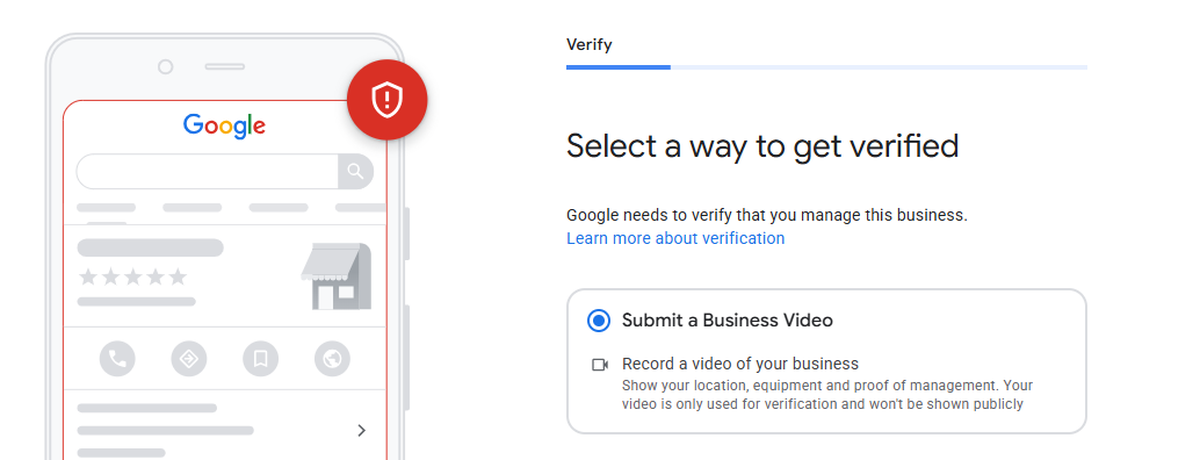
Why Google Asks for Video in the First Place
Not every business owner wants to film the inside of their office, their storefront, or themselves on camera, and you shouldn’t have to just to get listed on Google. The good news: video isn’t the only path. Whether Google offers you video verification or a simpler phone/email code comes down almost entirely to how “established” your business looks online before you even create the profile.
Google defaults to video verification when it can’t find enough evidence elsewhere that your business is real. No website, inconsistent business details across the web, a brand-new profile with zero digital footprint: all of these push Google toward the stricter check.
💡 The strategy
Give Google proof before you request verification
Flip the problem around. Give Google enough evidence up front, in the right order, and it often won’t ask for a video at all. Here’s the exact sequence that works.
Step 1: Build a Real, Professional Website First
This is the foundation everything else sits on. Before touching your Google Business Profile, you need a live website with, at minimum:
- Homepage: clear business name, what you do, and where you serve
- About page: who you are, your story, credibility signals
- Services page: a clear breakdown of what you offer
- Contact page: your business address, phone number, and email, displayed as text (not just an image)
This isn’t just a formality. It’s the single biggest trust signal you can give Google. A business with a real, professional website looks nothing like the fake or spam listings Google is trying to filter out.
Step 2: Submit Your Website to Google Search Console
Once your site is live, add it to Google Search Console and submit your sitemap. This tells Google directly: this website exists, it’s indexed, and it’s tied to this business.
This step is easy to skip and easy to underestimate, but a site that’s live and crawlable in Search Console carries far more weight with Google’s verification systems than one sitting unindexed.
Step 3: Create Consistent Social Profiles
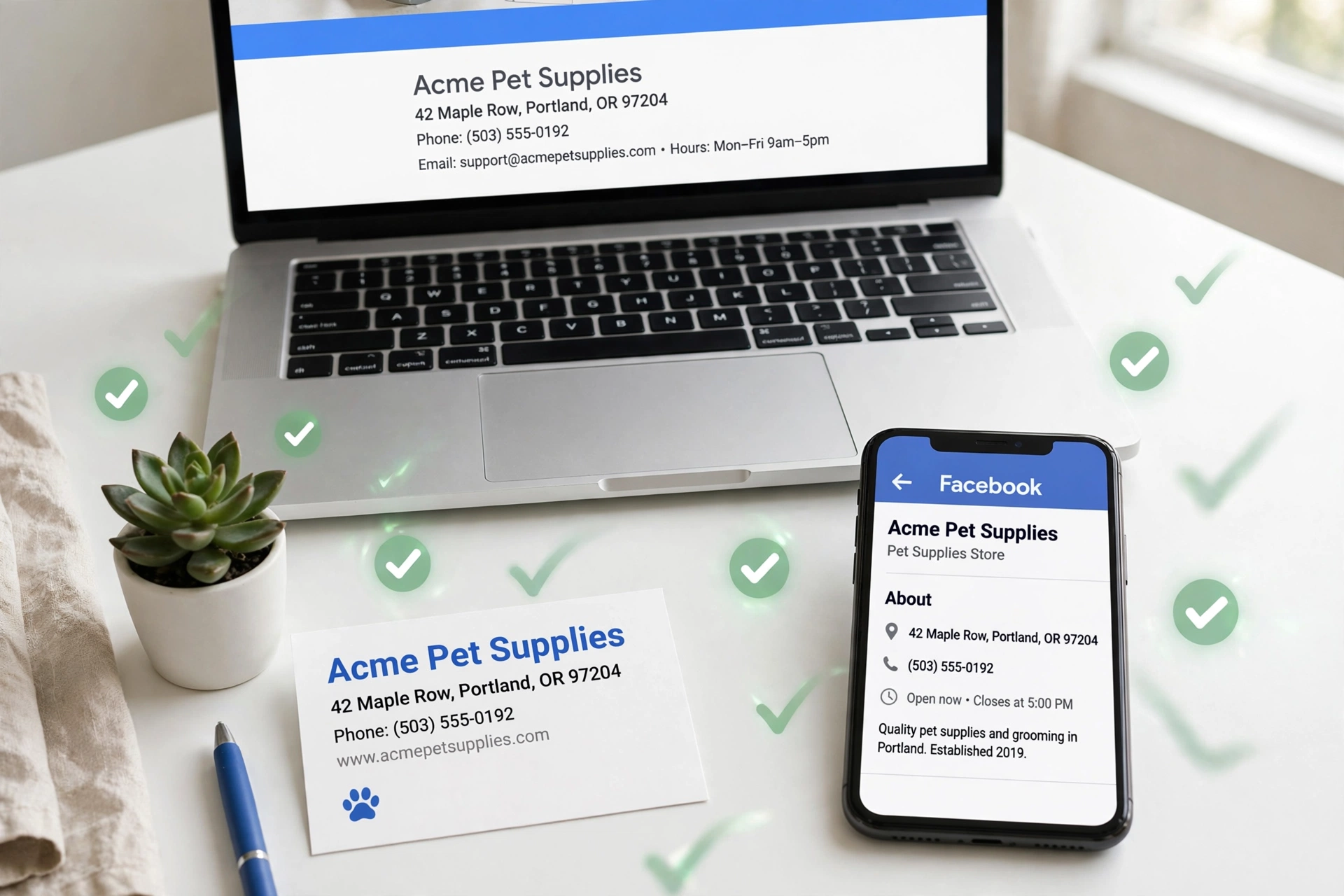
Set up business profiles on the platforms relevant to you: Facebook, Instagram, LinkedIn, and any industry-specific directories. On every single one, use the exact same business name, address, and phone number.
This is called NAP consistency (Name, Address, Phone), and it matters more than most people realize. When Google sees your business name, address, and number matching across your website, your socials, and directory listings, it builds a picture of a real, established business, not a same-day listing thrown together to game local search.
Step 4: Keep NAP Consistency Everywhere
Worth repeating on its own, because it’s the detail people get sloppy with. Double-check that your address is formatted identically everywhere (no “St.” on one platform and “Street” on another), your phone number is the same everywhere, and your business name doesn’t shift between variations depending on the page.
Watch out: Inconsistency here is one of the most common silent reasons a profile gets flagged for the stricter video check.
Step 5: Claim or Create the Google Business Profile
With your website, Search Console, and social presence in place, you’re ready to go to Google Business Profile itself.
If Google already suggests your business exists
Common if you’ve had any past listing or mentions. Claim it.
If not, create a new listing from scratch
Enter your business name, category, address or service area, and contact details, matching your website and socials exactly.
Step 6: Upload Storefront and Business Photos
Add real photos: your storefront if you have one, your team, your vehicles, your workspace, your logo. Photos add another layer of legitimacy and are one of the signals Google weighs when deciding which verification path to offer.
Step 7: Request Verification
By this point, you’ve built a digital footprint that’s consistent, indexed, and photo-documented. When you request verification, Google is far more likely to present phone or email as an option, because it no longer needs a video to confirm you’re a real, operating business. It already has that proof from everything you set up in steps 1 through 6.
Why the order matters: A common mistake is creating the Google Business Profile first and trying to “back it up” with a website and socials afterward. Google evaluates what exists at the time of the verification request, so building the supporting digital footprint first, then requesting verification, gives you the best odds of skipping video entirely.
Not sure your setup would skip video?
We build the exact digital footprint Google looks for, website, Search Console, socials, and NAP consistency, before you ever touch your GBP listing.
Get it handled for you →Frequently asked questions
Can I avoid video verification for my Google Business Profile entirely?
Often, yes. Building a website, getting it indexed, and creating consistent social profiles before you create your GBP listing significantly increases your odds of seeing phone or email verification instead.
What if I already created my GBP listing and got the video verification requirement?
Build out the trust signals above (website, Search Console, socials, NAP consistency) and reach out to Google Business Profile Support for a manual review once your digital footprint is in place.
What’s the single biggest factor in whether Google asks for a video?
A live, indexed website with your exact business name is the strongest signal. Without one, Google has little else to check your listing against.
How long does it take to set up enough of a digital footprint?
A website and social profiles can go live in a day or two. Search Console indexing typically takes 3 to 7 days, so plan for about a week of prep before requesting verification.