Why everyone hates the postcard method (and why Google still defaults to it)
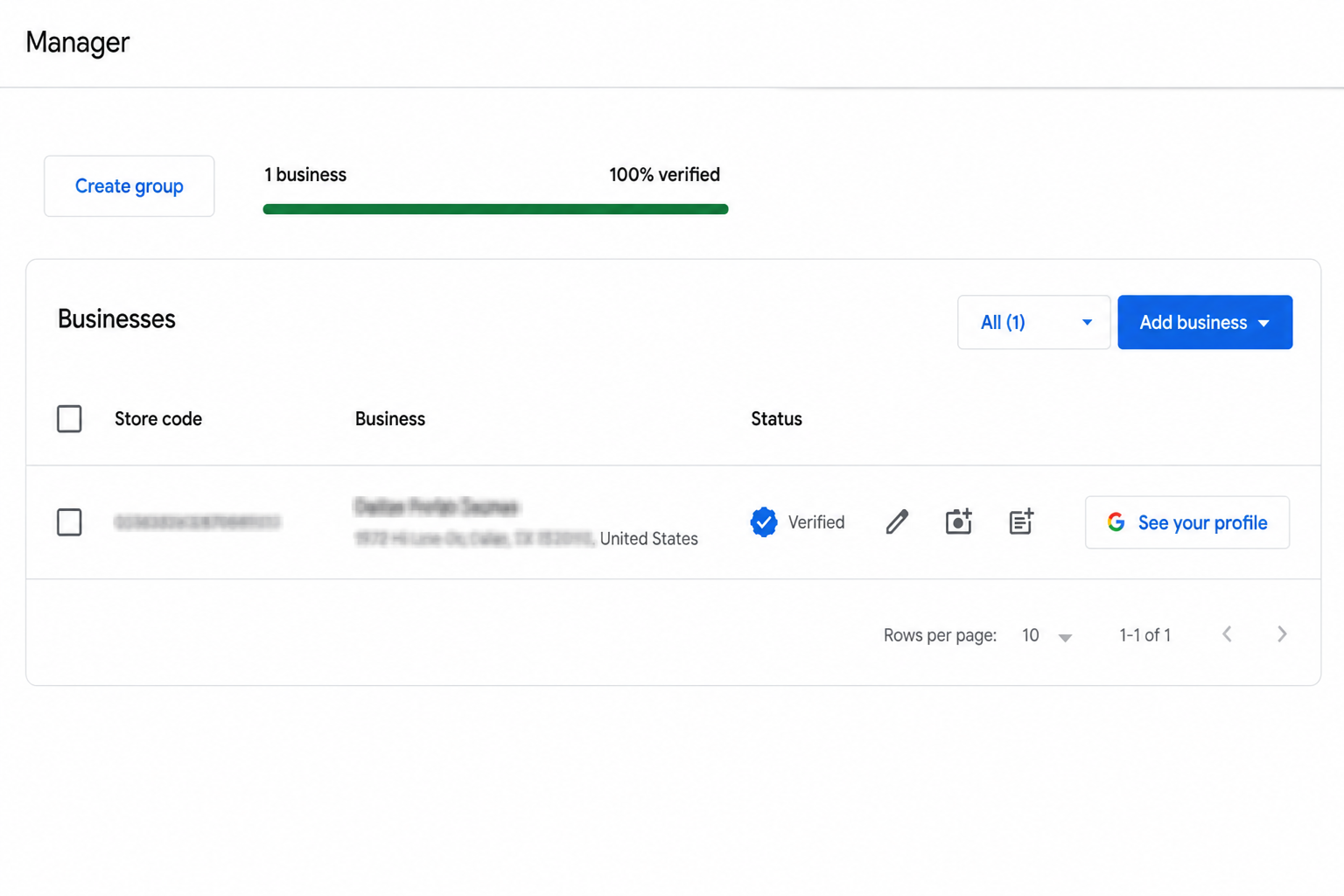
You have set up your Google Business Profile. You have filled in every detail, uploaded your logo, written your description, and then Google tells you to sit tight for up to 14 days for a postcard to arrive.
That postcard gets lost in the mail. Or arrives after you have already tried three more times. Meanwhile your profile sits there with a pending banner, invisible on Google Maps while your competitors take every lead.
Google defaults to postcard because it physically confirms you are at the address you claim. But here is what most guides skip: whether or not Google offers you a faster option is not random. It is based on how much Google already trusts your business before you even start verification.
The real secret: build trust BEFORE creating your GBP listing
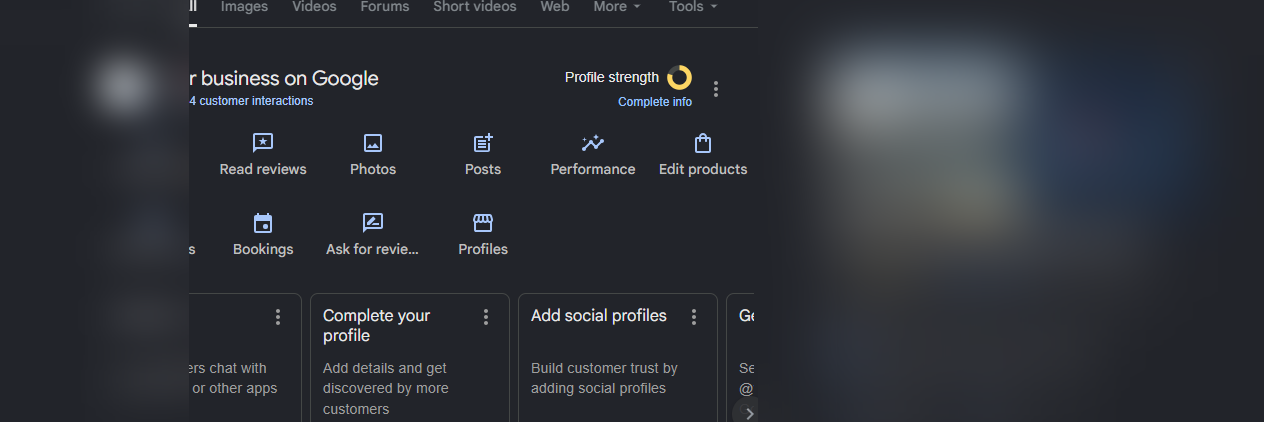
When you go to create a Google Business Profile, Google does not just look at the information you type in. It looks you up. It checks whether your business already exists on the internet: a website, social media profiles, mentions, citations. If Google can already find evidence that your business is real and established, it trusts you faster. And that trust directly determines what verification options appear in the dropdown.
💑 The strategy
Force Google to show you the email verification option
Build your business online presence before you create your GBP listing. A website matching your business name, indexed by Google, social media profiles, and some brand visibility is enough to flip the switch. When you then create your listing, Google already recognizes your business and is far more likely to show phone or email verification instead of defaulting to a postcard.
The trust-building checklist
You do not need to spend months on this. Even basic presence signals shift Google trust assessment. Here is what to set up:
Before you create your GBP listing, make sure you have:
How long does this take? Website and social profiles can be set up in a day or two. Google indexing typically takes 3 to 7 days. About a week of prep, which is still faster than waiting for a postcard that might never arrive.
The 3 faster verification methods Google actually offers
Once you have built the trust signals above, here is what you should expect to see in the verification dropdown when you create your listing:
Phone Call
Google automated system calls your listed number and reads out a code. Arrives in under a minute.
Text / SMS
A 6-digit code is texted to your business mobile number. Usually arrives within 60 seconds.
Code sent to your connected Google account email. Quick and reliable if you have inbox access.
Step-by-step: How to verify via phone call or text
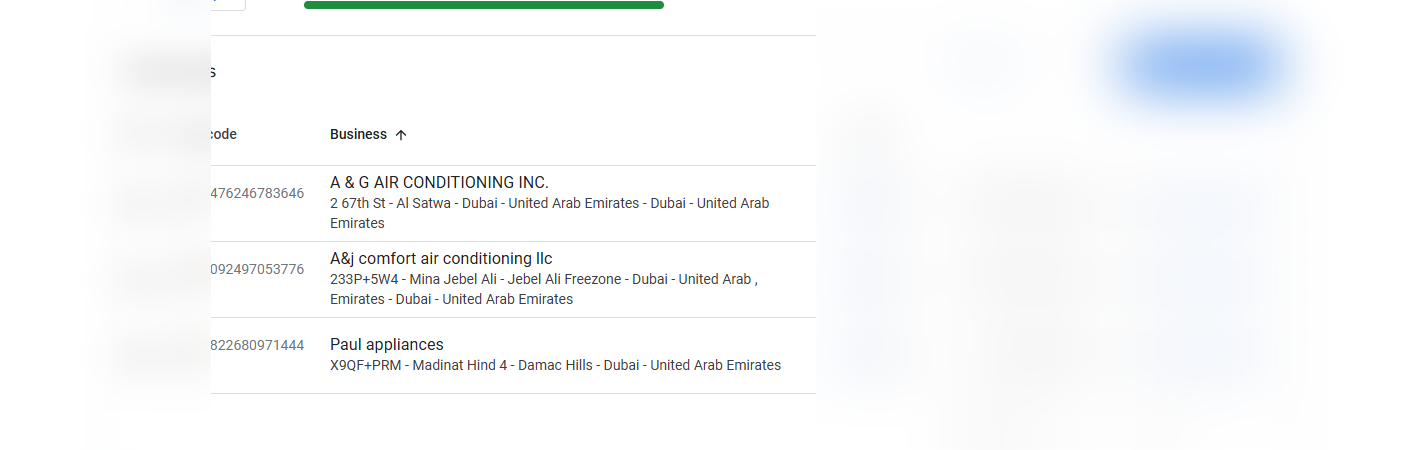
Go to business.google.com and sign in
Use the Google account linked to your business domain email. If your profile is unverified, you will see a Verify now prompt at the top of your dashboard.
Click Verify now and open the verification dropdown
Look for Call or Text. If you have done the trust-building work above, there is a strong chance you will see at least one of these.
Confirm your phone number is correct
Before proceeding, check the number shown on screen. VOIP numbers like Google Voice or Skype will not work. You need a real mobile or landline.
Request the code and be ready to receive it
Click Call or Text. For calls, pick up as soon as it rings. For texts, the SMS arrives within seconds. Keep the GBP tab open so you can enter the code immediately.
Enter the code and hit Verify
Type it in and submit. Your profile status switches to verified instantly. No postcard, no waiting.
Do not let the code expire: Verification codes are time-limited, usually 15 minutes. Only request a code when you are ready to enter it right away.
Step-by-step: How to verify via email
Select Email from the verification dropdown
Google shows the email address it will send the code to. Make sure you have access to that inbox before you click confirm.
Confirm and wait for the email
Google dispatches the verification email almost immediately. Check your inbox and your spam folder too, just in case.
Copy the code or click the verification link
The email contains either a 6-digit code to enter in your GBP dashboard, or a direct verification link to click. Your profile goes live the moment you verify.
What to do if no alternatives show up
Double-check your phone number
Even with all the right trust signals, a VOIP number blocks phone verification. Switch it to a real mobile or landline, save the change, and try restarting the verification process.
Your business category may have stricter requirements
Service-area businesses like plumbers, cleaners, and mobile mechanics sometimes get limited to postcard by default because there is no physical shopfront Google can cross-reference.
Try video verification
Since 2023, Google has been rolling out video verification for businesses that do not qualify for instant methods. You record a short clip showing your business exterior, signage, and proof of operation. It is still faster than a postcard and it works.
Contact Google Support for a manual review
Use the Get Help option inside your GBP dashboard. If you have genuinely exhausted every option, request a manual review from Google Business Profile Support.
Still stuck? GBP verification edge cases where none of the standard methods work are exactly what we specialize in at Ads Grow Marketing. Get in touch and we will walk you through your specific situation.
Do not want to do all this yourself?
We handle GBP verification for businesses in the USA, Canada, and Europe. No postcard, no video call, no back-and-forth with Google. We have done this 500+ times.
Get it handled for you →Frequently asked questions
Can I verify my Google Business Profile without a postcard?
Yes. Google offers phone, text, and email verification for eligible businesses. Building an online presence before creating your GBP listing significantly increases your chances of seeing these faster options.
How do I force Google to show me the email verification option?
Build your business online presence first. Create a website matching your business name, get it indexed on Google, set up social media profiles, and establish some brand visibility.
Why is the postcard option the only one showing for me?
Your business likely has little to no online presence yet. Build a website, social profiles, and a few citations first, then try creating your listing again. This alone can change what options appear.
How long does phone verification take?
Phone and text codes arrive within minutes. Once entered, your profile is verified immediately, no waiting.
Does having a website help with GBP verification?
Yes, significantly. A website with your exact business name, indexed by Google, is one of the strongest trust signals you can build.
Does Google still send postcards in 2026?
Yes. Postcard verification is still the default for many businesses. But eligible businesses with an established online presence can access phone, email, or text verification instead.